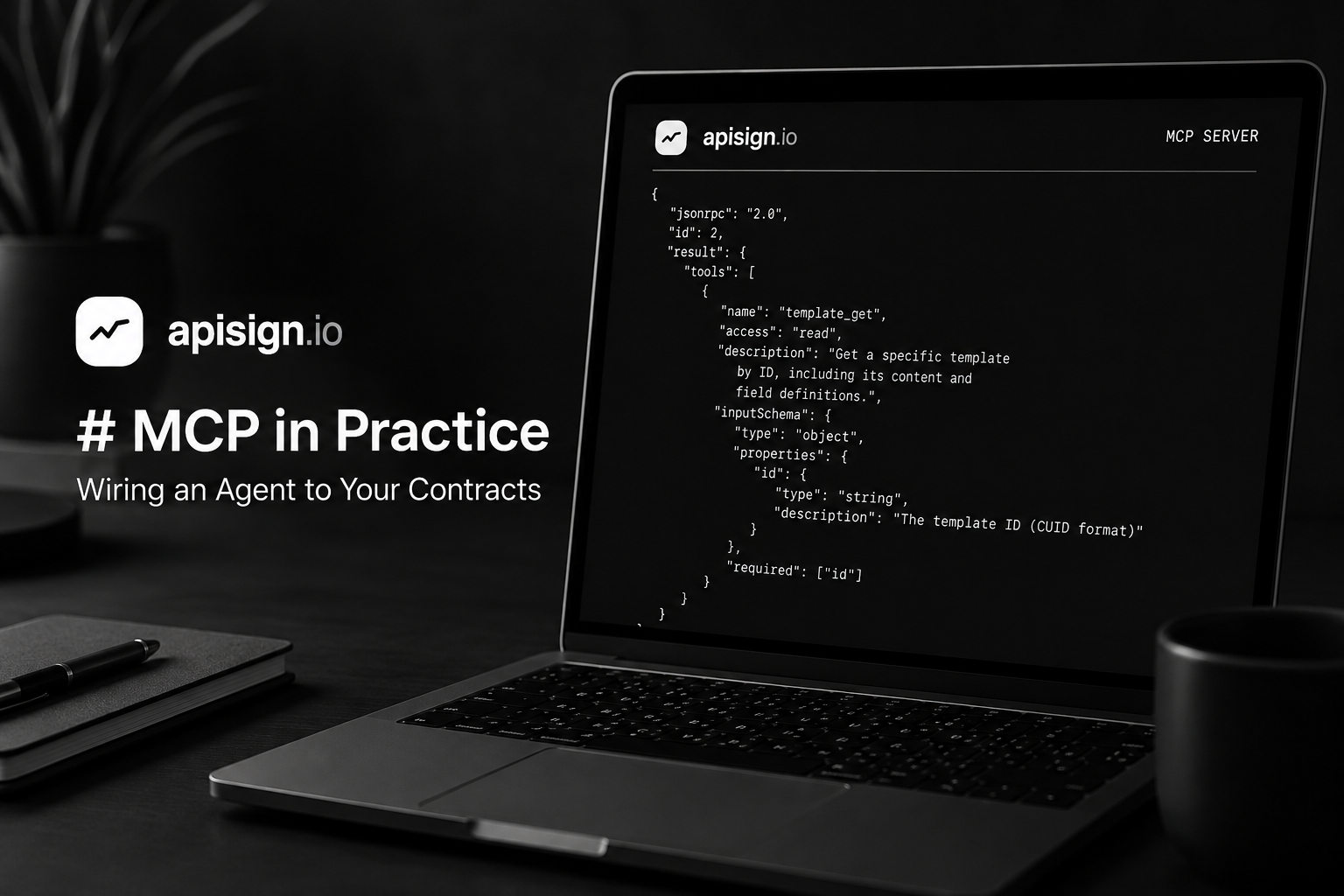
MCP in Practice — Wiring an Agent to Your Contracts
We shipped an MCP server a while back. The docs tell you which tools exist. This post is the other half: what the protocol is actually doing, what we chose to expose and what we deliberately didn't, and which agent workflows have turned out to be worth building.
If you want the short version: MCP is JSON-RPC 2.0 over a transport, with a discovery step. That's it. The interesting parts are all in what you choose to put behind it.
What MCP actually is
Strip away the branding and MCP is three things:
- A handshake. The client sends
initialize, the server responds with its capabilities and protocol version. - A discovery call. The client sends
tools/list, the server returns tool names, human-readable descriptions, and JSON Schema for each one's arguments. - An invocation call. The client sends
tools/callwith a tool name and arguments, the server runs it and returns content.
All three are JSON-RPC 2.0 messages. The transport is either stdio (the server is a subprocess, messages go over pipes) or Streamable HTTP (the server is an HTTP endpoint). API Sign uses Streamable HTTP, because our server is already a web server and we'd rather not ask you to run a local proxy just to talk to us.
The thing that makes this different from "just call our REST API" is step 2. A REST API assumes a developer read the docs at build time and hardcoded the call. MCP assumes a model reads the schema at runtime and decides. Which means your tool descriptions are no longer documentation — they're prompt input. Get them wrong and the agent picks the wrong tool with perfect confidence.
Here's what that looks like on our side. This is the real registration for one of our tools:
{
  name: "template_get",
  access: "read",
  description:
    "Get a specific template by ID, including its content and field definitions.",
  inputSchema: {
    type: "object",
    properties: {
      id: { type: "string", description: "The template ID (CUID format)" },
    },
    required: ["id"],
  },
}
That description string is the entire basis on which a model decides whether template_get is the right move. We rewrote most of ours at least twice.
Talking to the endpoint with curl
Before you point an agent at it, it's worth seeing the raw traffic. The endpoint is https://apisign.io/mcp and it takes POST for JSON-RPC messages, GET to open the optional SSE stream, and DELETE to terminate a session.
Two things trip people up on the first try, so get them right up front:
- The
Acceptheader must list bothapplication/jsonandtext/event-stream. Miss either and you get a406withNot Acceptable: Client must accept both application/json and text/event-stream. That's the spec, not us being difficult. - Responses come back as SSE frames, not bare JSON. You'll see
event: messagefollowed bydata: {...}.
Initialize:
curl -sD - https://apisign.io/mcp \
  -H "x-api-key: $APISIGN_KEY" \
  -H "Content-Type: application/json" \
  -H "Accept: application/json, text/event-stream" \
  -d '{
    "jsonrpc": "2.0",
    "id": 1,
    "method": "initialize",
    "params": {
      "protocolVersion": "2025-06-18",
      "capabilities": {},
      "clientInfo": { "name": "curl", "version": "0.0.1" }
    }
  }'
In the response headers you'll find mcp-session-id. Grab it — every subsequent request needs it, because the server keeps your session (transport plus a per-session McpServer instance with your tools registered) in memory keyed by that ID.
curl -s https://apisign.io/mcp \
  -H "x-api-key: $APISIGN_KEY" \
  -H "mcp-session-id: $SESSION" \
  -H "Content-Type: application/json" \
  -H "Accept: application/json, text/event-stream" \
  -d '{"jsonrpc":"2.0","id":2,"method":"tools/list"}'
And when you're done, curl -X DELETE with the same session header tears it down.
One consequence of that in-memory session map worth knowing: sessions don't survive a deploy. Well-behaved clients re-initialize on their own, so you'll rarely notice, but if you're writing your own client, handle a 404 on an old session ID by starting a new one rather than retrying.
Setting it up
Get a key, and pick the permission deliberately
Dashboard → Account → API Keys → Create API Key. You'll be asked for a permission, and this is the decision that matters most in this whole post:
| Permission | Tools the agent can see |
|---|---|
| Read Only (MCP tools) | template_list, template_get, contract_list, contract_get |
| Read/Write | All twelve |
We enforce this in two independent places, on purpose. At registration time, a read-only key never gets the write tools registered at all — they're absent from the tools/list response, so the model can't discover what it can't do and won't waste turns trying. At handler time, every write tool re-checks the permission and refuses with This API key does not have write permission, because filtering the list is a UX affordance, not a security boundary.
There's a third detail we're a little proud of. The lookup that decides whether a tool is a write tool defaults to write for any name it doesn't recognize:
export function accessForTool(
  tools: readonly McpToolDefinition[],
  toolName: string,
): ToolAccess {
  return tools.find((tool) => tool.name === toolName)?.access ?? "write";
}
If someone adds a handler and forgets to classify it, it fails closed. That exact omission is how every tool ended up callable by a read-only key the first time around.
Connect your client
The fast path, which works for Claude, Cursor, ChatGPT, and anything else speaking MCP:
npx add-mcp https://apisign.io/mcp --header '{"x-api-key": "your-api-key-here"}'Or configure it by hand:
{
  "mcpServers": {
    "apisign": {
      "url": "https://apisign.io/mcp",
      "headers": { "x-api-key": "your-api-key-here" }
    }
  }
}
Config file locations: ~/Library/Application Support/Claude/claude_desktop_config.json on macOS, %APPDATA%\Claude\claude_desktop_config.json on Windows, ~/.cursor/mcp.json for Cursor.
Restart the client, ask it to list your templates, and you should get real data back. If you don't, the failure is almost always the key — check it's enabled and hasn't hit its expiry.
The tool surface
Twelve tools, six per resource:
| Tool | Access | What it does |
|---|---|---|
template_list | read | All templates: IDs, names, timestamps |
template_get | read | One template with content and field definitions |
template_create | write | New blank template from name + markdown |
template_update | write | Change name, content, or field definitions |
template_upload | write | Base64 DOCX/DOC → converted template |
template_archive | write | Soft delete |
contract_list | read | Contracts, optionally filtered by status |
contract_get | read | One contract with its signers |
contract_create | write | Draft from a template or raw markdown |
contract_update | write | Edit a draft (drafts only) |
contract_send | write | Email the signers. Charges your balance. |
contract_cancel | write | Cancel a draft or sent contract |
Note the deliberate split between contract_create and contract_send. Creating is free and reversible. Sending costs money and puts an email in someone's inbox. Keeping them as two calls means an agent can build the whole thing, show you the draft, and wait — which is exactly the checkpoint you want when a language model is holding the pen.
A real workflow, end to end
Here's the shape of nearly every useful session. The model does the discovery; you're just watching.
template_list                        → find "Mutual NDA", grab its ID
template_get   { id }                → read {{variables}} and which are signer-filled
contract_create { name, template_id, variables, signers }
                                     → draft, status: draft, nothing sent
[ you read the draft ]
contract_send  { contract_id }       → { signers_notified: 2, cost_charged: 0.25 }
The template_get step is not optional filler. It's how the agent learns that {{company_name}} is completedBy: "creator" (fill it now, via variables) while {{signature_buyer}} is completedBy: "signer" (leave it alone, it gets filled in the signing portal). An agent that skips it will confidently substitute a signature field with a string, and you'll have shipped a contract nobody can sign.
The multi-signer gotcha
This is the one that bites hardest, so we'll be explicit. If your contract has more than one signer, each signer needs their own signature field, assigned via signer_fields:
{
  "name": "Mutual NDA — Acme",
  "template_id": "clx...",
  "variables": { "company_name": "Acme Corporation" },
  "expires_in_days": 14,
  "signers": [
    {
      "email": "buyer@acme.com",
      "name": "Dana Buyer",
      "signing_order": 1,
      "signer_fields": ["signature_buyer"]
    },
    {
      "email": "seller@example.com",
      "name": "Sam Seller",
      "signing_order": 2,
      "signer_fields": ["signature_seller"]
    }
  ]
}
Leave signer_fields off with two or more signers and we reject the call:
Contract has 2 signers but no per-signer field assignments. Every signer would be shown the same signature field. Assign each signer their own signature field via signerFields.
We refuse rather than guess because the alternative is worse: the signing portal falls back to showing every signer field to everyone, and the second person to sign overwrites the first. A validation error costs the agent one retry. Silent field collision costs you a contract you thought was executed.
Single signer, no assignments, is fine — there's nobody to collide with.
Workflows worth building
Not everything should be an agent. These four have earned their place.
1. Read-only status answering
A read-only key plus contract_list and contract_get turns "where's the Henderson agreement?" into a question anyone on the team can ask in plain language, with zero risk. The agent physically cannot send, cancel, or archive anything — the tools aren't in its list. This is the highest ratio of usefulness to blast radius we've found, and it's where we'd tell you to start.
2. Draft-and-review in the editor
Your agent already has your codebase, your CRM export, or the deal notes in context. contract_create from a template turns that context into a draft in one call. You read it, then you call contract_send. The model does the tedious part — mapping messy inputs onto template variables and signer records — and a human keeps the send button.
The important design point: the template is the guardrail. The model isn't writing legal language, it's filling slots in language your lawyer already approved. Never let an agent go straight to content with freeform markdown for anything that matters.
3. Template maintenance at scale
Twenty templates that all reference a clause you need to reword is a genuinely miserable afternoon. template_list → template_get each → template_update with the edit is about four minutes of agent time. Because template_archive is a soft delete, the recovery story is decent if something goes sideways — but do this with a checkpoint after the first one or two, not as a fire-and-forget batch.
4. MCP out, webhooks back
This is the pattern people get wrong most often, so it's worth stating plainly: MCP is for the outbound half. Webhooks are for the inbound half.
An agent that polls contract_list every few minutes waiting for a signature is burning tokens to reimplement a push notification. Instead:
- Agent creates and sends via MCP.
- Your service subscribes to
contract_signedandcontract_completed. - The webhook fires, your handler verifies the
X-Webhook-Signatureheader (t=<unix-seconds>,v1=<hex-hmac>, HMAC-SHA256 over"<t>.<raw body>"), and then kicks off whatever comes next — provision the account, update the CRM, wake the agent with real context.
One caveat from our own docs, since we'd rather you hear it here: contract_expired is subscribable but nothing emits it yet. If you need expiry behaviour today, compare expires_at yourself.
Things we'd tell you not to do
Don't put a write key in an unattended cron job. contract_send spends money and emails humans. Autonomy is fine right up to the point where a mistake is visible to a counterparty.
Don't skip template_get to save a round trip. The field definitions are the contract between you and the signing portal. Guessing at them is the single most common source of "the contract sent but nobody could sign it."
Don't hand out one Read/Write key to the whole team. Keys are per-organization but individually revocable, tracked with a last-request timestamp and a request count. Issue one per agent or per person and you can actually answer "what did that thing do?" later.
Don't assume the REST API enforces the same thing. Right now permissions are enforced on the MCP tool surface. The REST routes don't check them yet. If that matters to your threat model, treat a read-only key as read-only for agents, not as a universally scoped credential.
Where to go next
Full tool reference, parameter tables, and error strings live in the MCP Server docs. The webhooks reference has verification code in Node and Python. If you're running locally, point your client at your dev server's /mcp instead of apisign.io — everything above works identically.
If you build something with this, tell us about it: team@apisign.io. We read every one, and there's no sales team to hand you off to.